

How to Choose Knowledge Management Technology That Works
Your team already has the knowledge it needs. The hard part is finding it before momentum disappears. The best knowledge management technologies make trusted information easy to find, easy to update, and easy to use in the flow of work. If people still ask the same questions in Slack, recreate the same deck, or pull AI answers from stale docs, your system needs attention.
This guide breaks down what these systems actually do, which features matter most, and how to roll them out without creating another dusty repository. You’ll also see where tools like LEAD.bot help by connecting people to the right knowledge holders, not just another folder of files.
What these tools actually do
At a basic level, knowledge management technology helps your team capture what it knows, organize it, and bring it back at the moment someone needs it. That can include documentation platforms, internal search, collaboration tools, analytics, and systems that surface expertise across the company.
The goal is practical: less searching, less duplicate work, and faster decisions. When your systems are working, a new hire can find the latest process, a manager can spot the right subject-matter expert, and your AI tools pull from current information instead of outdated pages.
A strong knowledge management strategy matters because the technology alone will not fix messy habits. You need clear ownership, clear naming, and a simple rule for what belongs where.
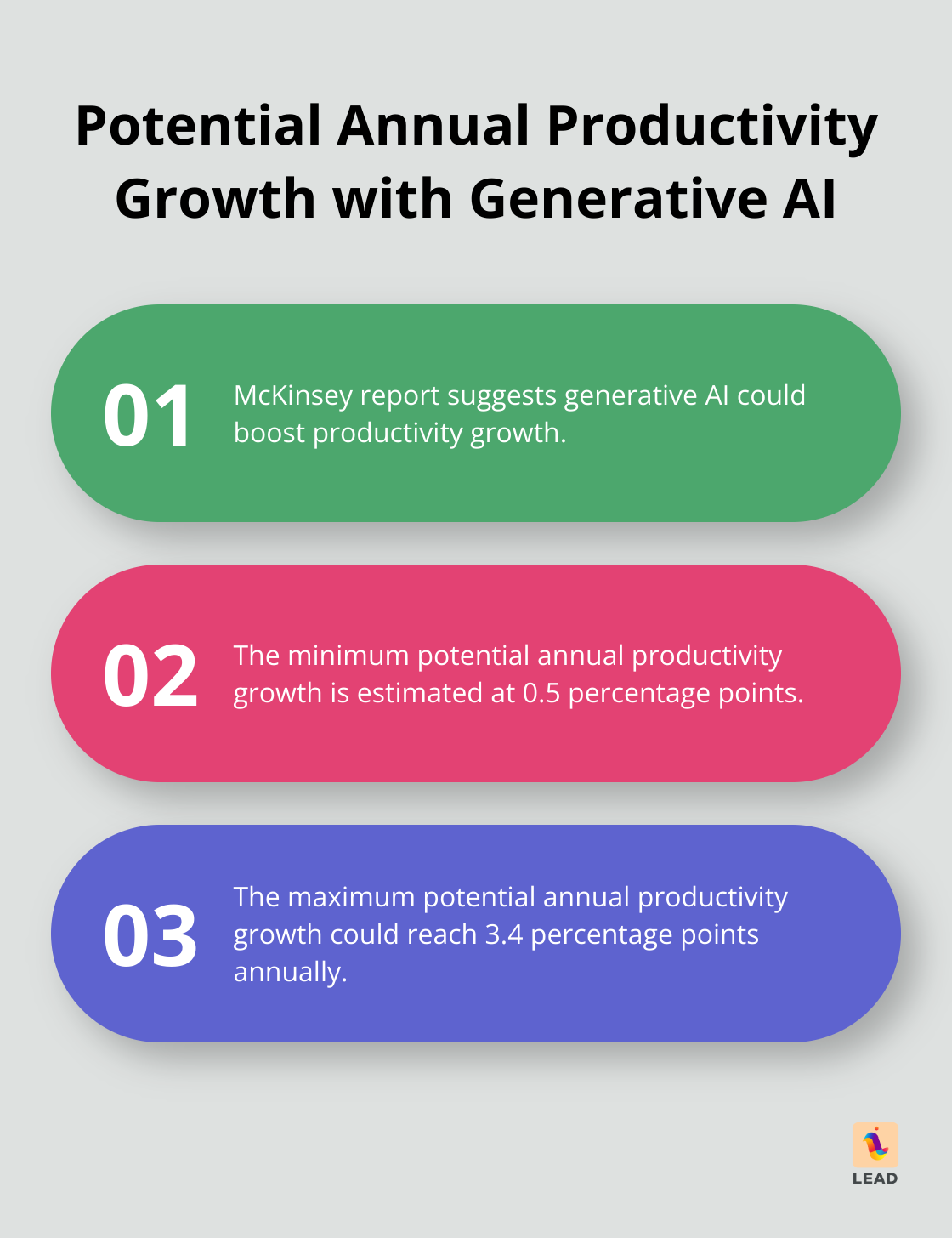
McKinsey has estimated that generative AI, layered onto existing workflows, could add meaningful productivity gains across knowledge work. That value shows up faster when your underlying information is structured well enough for people and systems to trust it.
What to look for in a useful system
One clear source of truth
People should not have to guess whether the right answer lives in a wiki, a shared drive, an email thread, or someone’s memory. Good systems make the current version obvious and reduce the chance that outdated documents keep circulating.
Search that works like your team works
Search is where many knowledge systems succeed or fail. People should be able to find the right answer with plain language, filters, and enough context to know whether a result is still trustworthy.
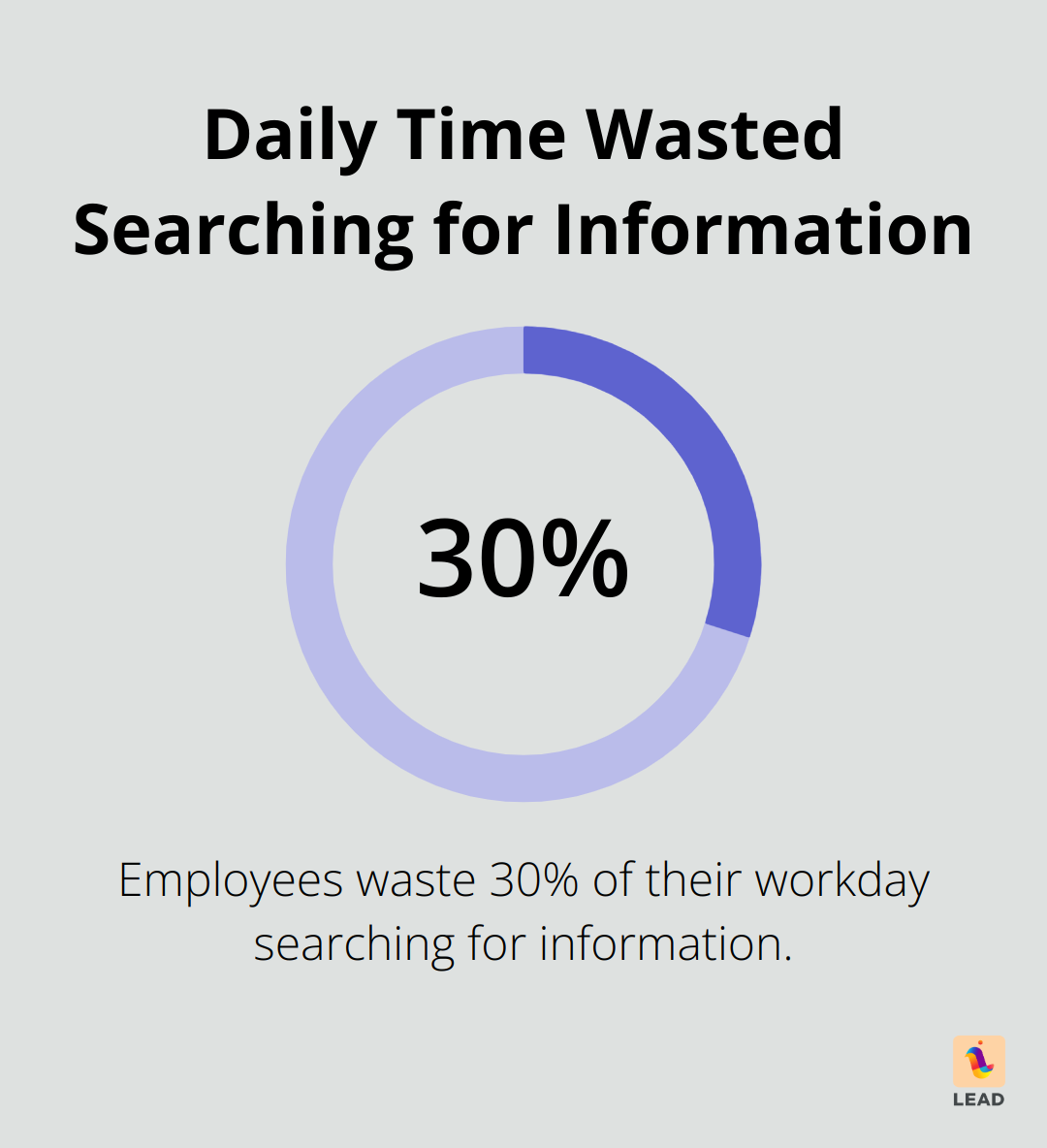
IDC research has often been cited to show how much time employees lose while searching for information. Even if your exact number differs, the pattern is familiar: teams waste hours each week because the answer exists somewhere, but nobody can pull it up quickly.
Collaboration built in
If your documentation system lives far away from where work happens, adoption drops. The strongest setups connect docs, chat, and team habits. That is why many teams pair documentation with collaboration tools and employee connection tools that help people find the right expert quickly.
Signals, not just storage
Storing files is the baseline. Better systems show what people actually use, where knowledge gaps exist, and which teams are doing too much translation work because information is trapped in silos. That visibility helps you improve the system instead of simply adding more content to it.
If you want a more people-centered layer, knowledge network insight can reveal where information really flows through your organization. That matters when the best answer lives in a colleague’s experience rather than a document.
How to implement knowledge management technologies well
Start with the moments that slow people down
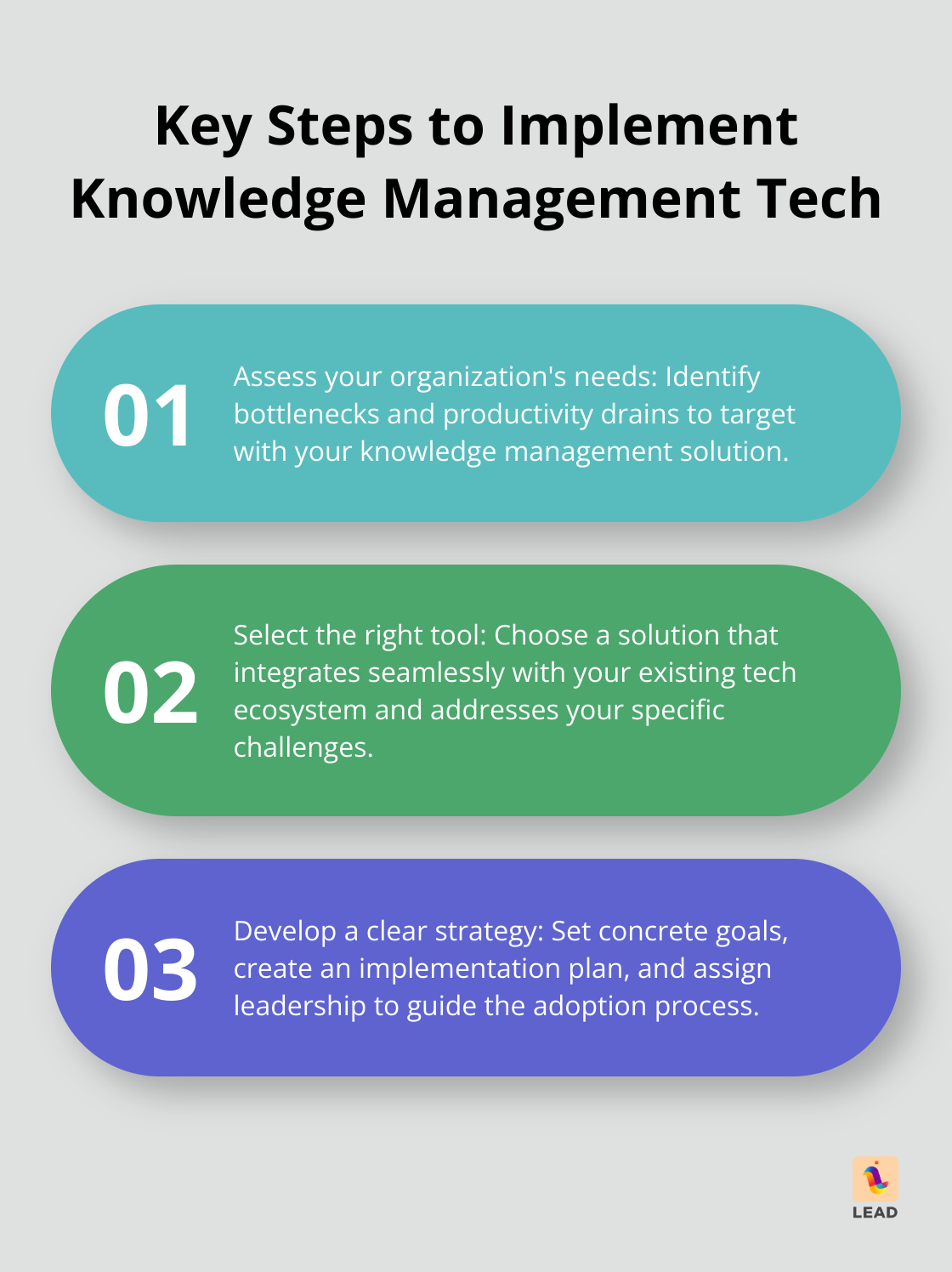
Look for repeat questions, onboarding friction, duplicate decks, and approvals that stall because no one knows who owns the latest answer. Those pain points will tell you which options are worth your budget.
Choose tools that fit your existing workflow
Do not buy a system that asks your team to change every habit at once. If your work already runs through Slack or Microsoft Teams, pick tools that fit there naturally. If your teams rely on expertise more than formal documentation, make sure the system can connect people as easily as it connects files.
Assign ownership early
Every critical page, playbook, or answer path should have a clear owner. Without that, your shiny new system becomes a graveyard of half-updated docs. A simple ownership model beats an elaborate governance model nobody follows.
Train people with real examples
Show your team how the system helps them in a real moment: finding the latest pricing deck, locating the right onboarding buddy, or answering a customer question without three pings and a meeting. Concrete examples drive adoption faster than generic training.
Where LEAD.bot fits
Some tools focus on documents. Others help you find the people behind the knowledge. LEAD.bot is useful when your team needs both. It supports connection, collaboration, and visibility into how knowledge moves across the organization so people can get unstuck faster.
That matters most in fast-moving teams, where the right answer is often spread across systems and relationships. A better setup does not just store knowledge. It helps your team reach the right information and the right person at the right time.
For more ideas, browse the LEAD.app blog or review how people analytics and LEAD.bot work together to make collaboration more practical.
Final thoughts
The best knowledge management technologies reduce friction your team already feels. They make search faster, ownership clearer, onboarding smoother, and collaboration easier. Start with one workflow that matters, clean up the source of truth, and build from there.
When your systems reflect how people actually share knowledge, the payoff is simple: less time searching, fewer repeated questions, and more confidence in the answers your team and AI tools rely on.
